Laptop or home node: where an agent works when the lid shuts
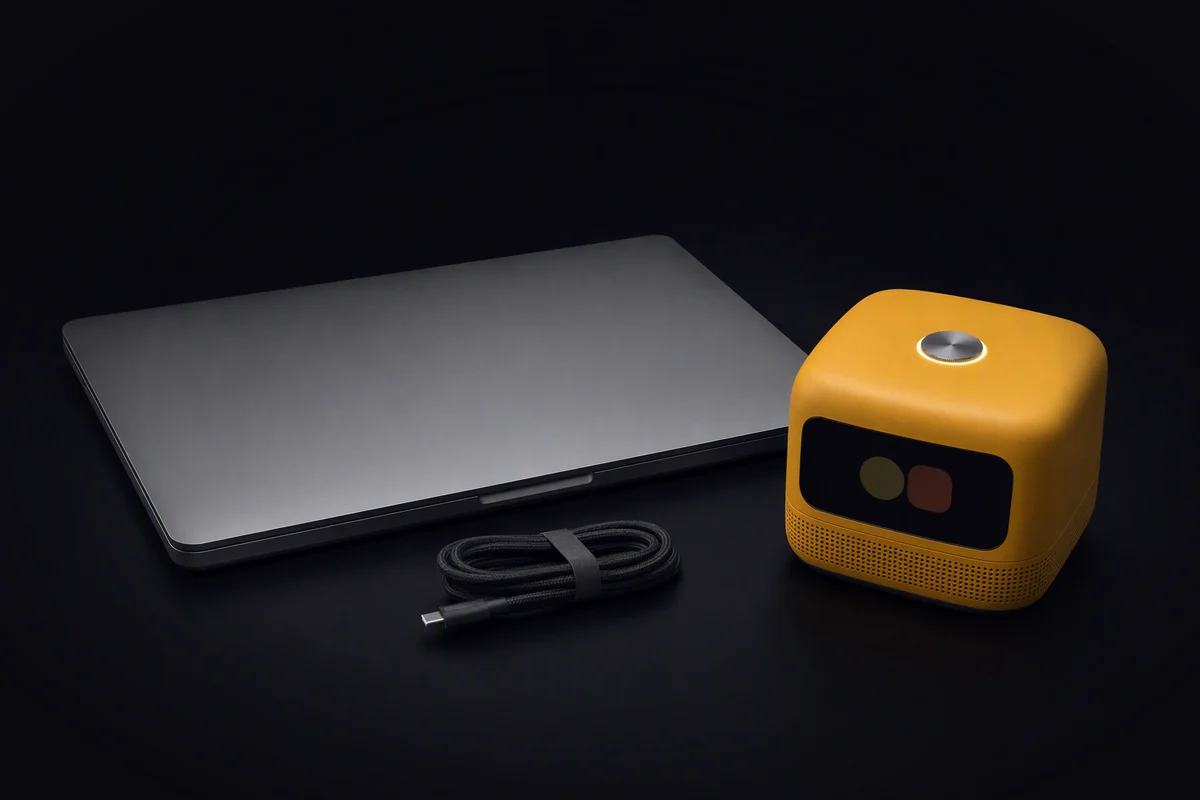
At six in the evening you ask your assistant to go through three months of invoices, match them to the bank statement and draft a list of what is still unpaid. It says it will take a couple of hours. At ten past six your train is in twenty minutes. You close the lid, put the laptop in the bag and run.
What happens to the job now? Either the laptop sleeps and the agent sleeps with it, and you open it on the platform to a task stuck at 14%. Or it keeps working in the bag on battery, warm, until the battery decides for you. You asked for the work to be done when you get home.
The real cause: agents run for hours, devices run for sessions
A chat answers in seconds and the session is the whole job. An agent works for hours on your behalf, and that changes what the device under it has to be. The market is answering this question right now, in two different ways.
The first answer is to make the laptop strong enough to be the agent’s home. On 16 October NVIDIA put RTX Spark laptops on sale: Windows 11 on Arm, one chip with a Blackwell RTX GPU and a Grace CPU, according to NVIDIA up to 128 GB of unified memory and up to 1 PFLOP at FP4, from 2,599 USD. Agents install locally, and NVIDIA describes the PC as turning into an everyday teammate. With a feature called PAIR, an RTX Spark can also serve inference to other computers on your home network. We agree with the direction: with agents, a computer stops being a tool you hold and starts being someone who works next to you.
The second answer is a box that stays on the desk: a desk-side station such as DGX Spark, which runs Linux, sits next to an ordinary laptop and does not travel.
And then there is what NVIDIA itself tells companies. Its Secure Agent Workspace reference design describes always-on agents working for hours for an employee, and treats the employee’s device as nothing more than the presentation layer. The agent runs in a managed environment that persists independently of the session. Their short version: the workspace is not the session.
Where the agent ends up when the device is also the workspace
It sleeps with the lid. A laptop is built to stop when you close it. That is a feature for a laptop and a bug for an agent halfway through a long task.
The battery becomes the scheduler. If the agent keeps running in the bag, the job ends when the charge does, not when the work does.
The laptop becomes the house server. Serving inference to the rest of the home is a good idea, and it ties every other device to one machine that leaves the house every morning. When you go, the house loses its model.
Memory travels in a bag. If the agent’s state and your assistant’s long memory live on the laptop, a laptop left in a taxi is a lost workspace, and possibly someone else’s found one.
Two places, no rule. Buy both a strong laptop and a desk station and you get a new question every day: which one is running this task, and where is its state? Without a rule, the answer is whichever one you happened to start it on.
Carry windows, keep the workspace at home
The useful move in the enterprise design is the split itself: the device is a window, the agent lives somewhere that does not care whether the window is open. That is how we divide the five forms of KyberDeck.
The carried forms are windows. The Card on a lanyard, the Band on your wrist and the Pocket deck in your jacket are where you speak, read and approve. They carry what today needs and work offline for short things; the Pocket runs small models on the device. None of them is where a three-hour job has to live.
The Node is the workspace. The home node is designed to be always on and low-power, with your assistant’s long memory stored on it, encrypted. A task you start from any window is handed to the Node and keeps running there. Close the lid, lose signal on the train, switch the Card off: the job does not notice. When a window reconnects, it shows where the task is and asks you what it needs to ask.
Each agent in its own cell. Long jobs on the Node run as KyberAgent swarms, each agent in a KyberCell with its network closed by default. Which work belongs on the deck, which on the Node and which further out is the subject of where a swarm should run on KyberAgent.
Bigger than the shelf, only when you say so. When a job outgrows the Node, KyberFusion is designed to lend compute, and the rule for what never leaves home is in what should stay local.
A strong laptop still has a place. If you already own one, it is an excellent window and a fine place to run a model while you sit at it. The point is not which chip is better. The point is that the task’s home should not be the thing you put in a bag.
KyberDeck is pre-launch. The Node is in design, nothing is for sale, and the behaviour above is what we are building towards, not a measured result. We do not claim to support any of the devices mentioned here. More on the family is on the homepage.
A test you can run today
Take whatever agent tool you use now and give it a task that takes at least half an hour: summarise a big folder, reconcile two spreadsheets, research a long list. When it is clearly under way, close the lid and leave the laptop closed for twenty minutes. Then open it and answer three questions:
- Did the task continue, pause or fail?
- Can you tell from the tool where the task was running and where its state is stored?
- If the laptop had been stolen during those twenty minutes, what would the agent, and the thief, have kept?
If the answers are “paused”, “no” and “everything”, your agent’s workspace is your bag. Write down the jobs you would happily hand off at six and collect at nine. That list is what a home node is for.
- KyberDeck Node
- agents
- laptop
- home